A countdown timer on your checkout page that works
A countdown timer on a checkout page gives buyers a reason to act now instead of later. It turns a vague "I'll do it later" into a decision with a time on it. Urgency clearly works on my checkout, and I'm keeping it. What I'm changing is how the deadline is built, so it keeps its lift and keeps the buyer's trust too.
Why does a countdown timer work?
A timer makes the cost of waiting visible. The offer is on the page now, the clock is moving, and "later" has a price. It also gives the page a feel of momentum, which suits a buyer who is already inclined to pay.
It works best when it is placed where the decision happens, and when the buyer believes it. That second part is where I'm focusing.
What I do on my checkout
The header shows a gray pill: "$300 OFF RESERVED FOR 09:59", with a red countdown. The same timer appears again under the form, right where the buyer is deciding. On mobile it gets its own bar, so it is one of the first things a phone visitor sees. Keeping it in view from the first glance to the button is deliberate.


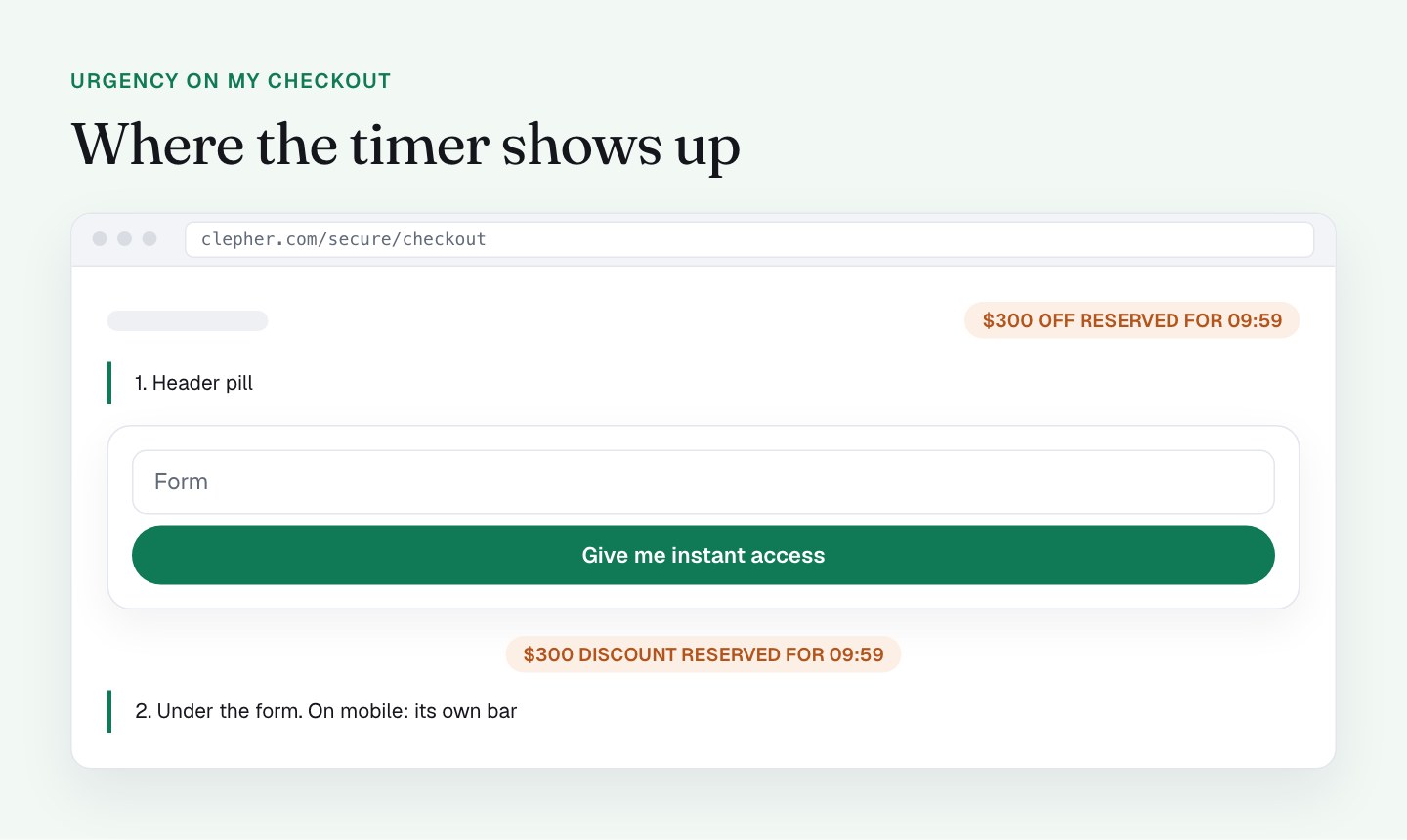
The wording does a lot of the work. "Reserved" is a good word: it tells the buyer that something has been set aside for them, and that it will be released. Pairing it with a clear dollar amount ($300 off) gives the clock something concrete to protect.
Under the form there is also a line that confirms the coupon is applied and "locked to your IP address". It is reassurance in the right place, near the button, and it tells the buyer the discount is theirs.
How the timer works today
I checked the mechanics. It is a client-side timer that starts at 10:00 on each page load, with no cookie or storage. I loaded the page and the clock read 09:59, then 09:33 after 25 seconds. After a reload it read 09:58 again. At 00:00 it loops back to 10:00.
Separately, a script redirects the visitor to the special offer page on the sales site after 10 minutes. The coupon itself is built into the checkout link, so it does not expire on its own (I wrote about that in part 11, on the coupon field), and the line about the IP lock is a message on the page, not a technical restriction.
That setup was quick to build and it does its job as urgency. It also means the deadline is a feeling and not a fact, and that is the part I want to upgrade.
What I'll do differently
The next iteration makes the urgency real, which is how it keeps working over time.
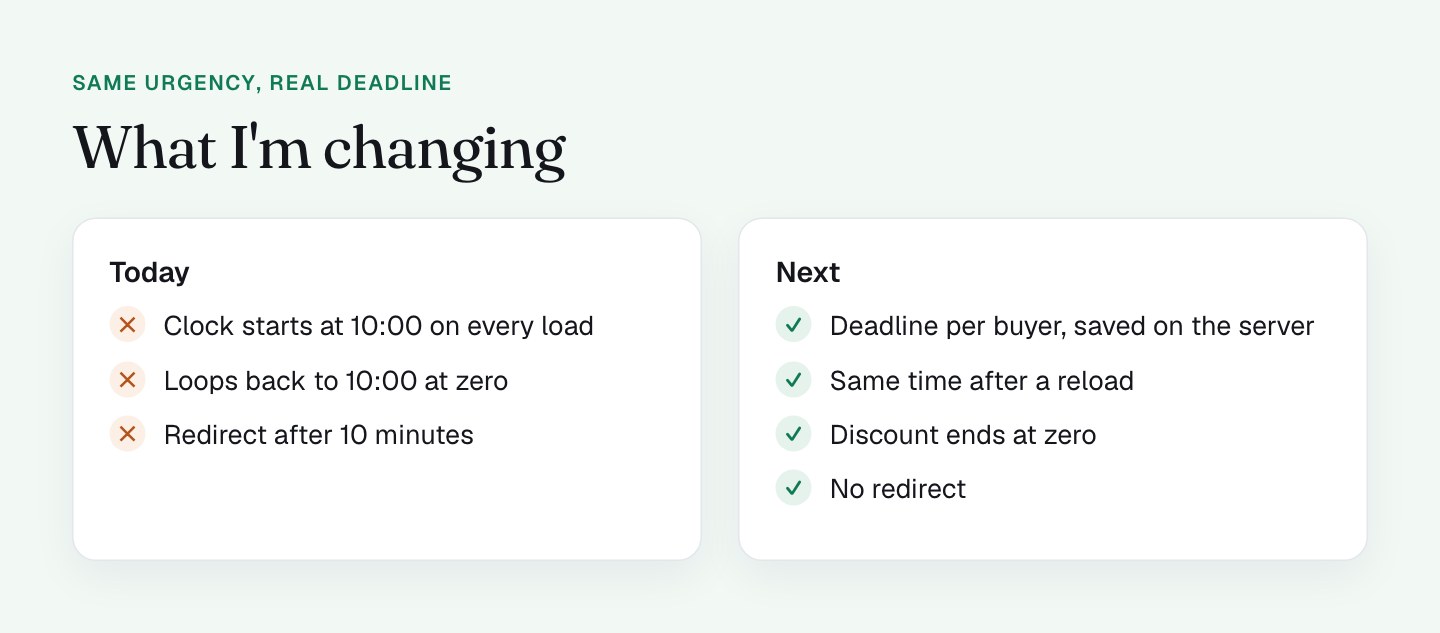
- Dropping the 10-minute redirect. A buyer who is mid-form at minute 10, finding their card or taking a call, should never be sent off the page. That is the first change, and it is the easy one.
- A real per-buyer deadline. Each contact gets a deadline stored on the server when they first receive the offer, and the email states it. The checkout then reads that deadline instead of starting at 10:00. A reload shows the same time, and when it reaches zero, the discount actually ends. Passing that deadline along the link ties into what I covered in part 2, on email link parameters.
- Removing the IP line. It is cosmetic, and showing someone their own IP address can feel like surveillance more than reassurance. A plain "Coupon applied" message gives the same comfort.
- Keeping the urgency where it lives. I'm keeping the timer near the form and the button. If the deadline is real, the sales page and the email carry it too.
How to check any countdown timer in 30 seconds
Buyers can run this test too, so it is worth running on your own page first. Write down the time on the clock, wait 25 seconds, reload the page, try a private window, and see what happens at 00:00.
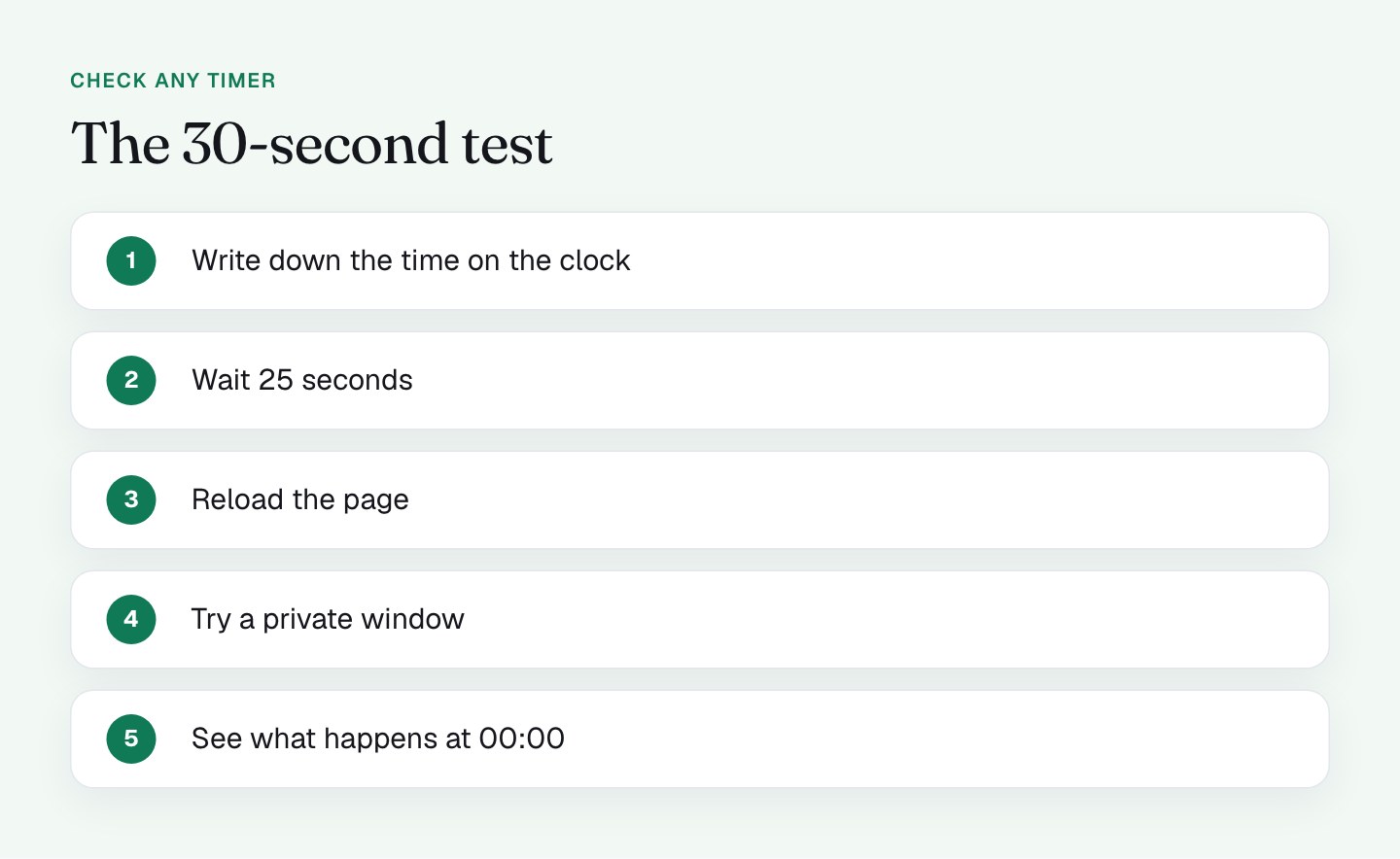
If the clock is tied to the buyer and something real happens at zero, the test makes your page look better, not worse.
What honest urgency looks like
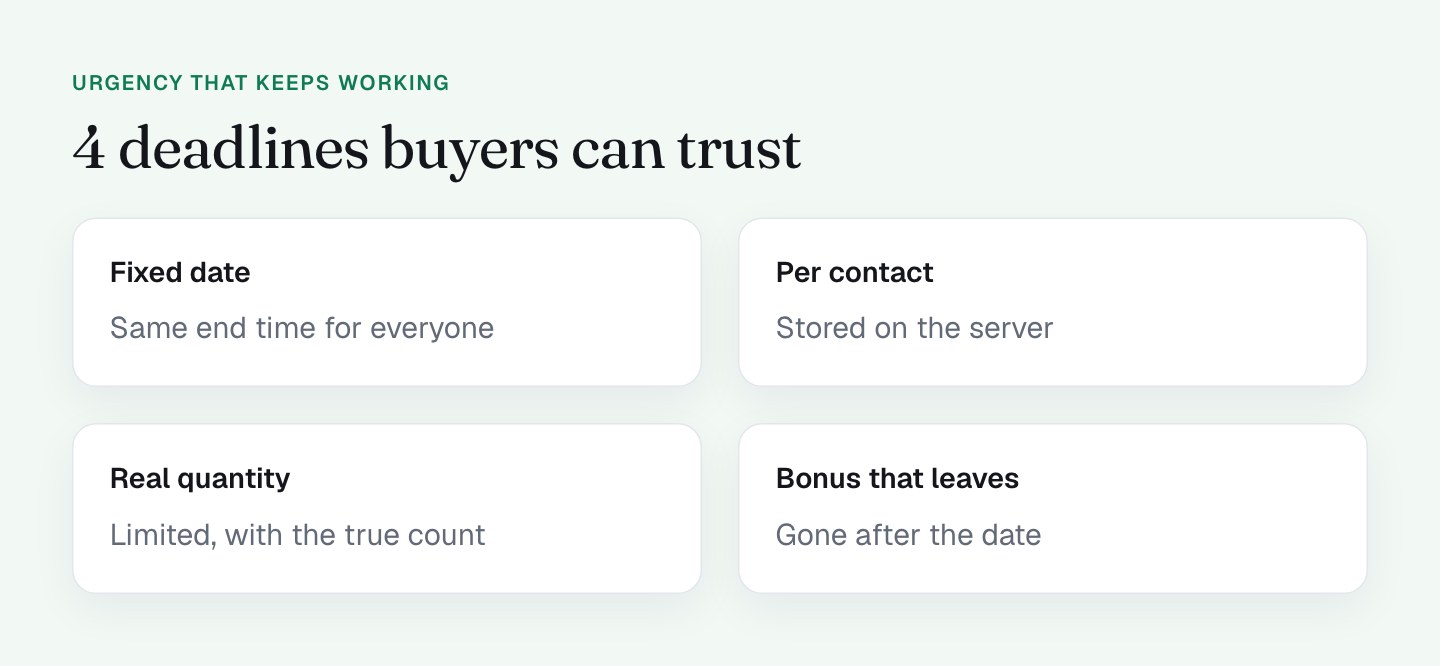
- A fixed end date and time that is the same for everyone ("Ends Friday at midnight CET").
- A deadline per contact, stored on the server, that survives reloads.
- A limited quantity that is actually limited, with the real count.
- A bonus that really goes away after the date.
All of these share 1 trait: when the clock reaches zero, something changes. The buyer who returns on day 2 and sees the higher price has just learned that your deadlines mean something, and that makes the next deadline work even better.
What to check on your own checkout
- Reload your page 3 times. Does the clock reset?
- Compare the start time in a private window.
- Search your page source for any redirect or timeout that fires on a schedule.
- Check what happens at 00:00.
- Ask whether your coupon really ends when the timer says it does.
- Look at anything that shows visitor data, like an IP address, and decide whether it helps the buyer.
FAQ
Do countdown timers work on a checkout page?
Yes, urgency clearly works on my checkout. A countdown timer makes the cost of waiting visible, so a buyer who might say "later" decides now. It works best near the form and the button, and when the buyer believes the deadline.
What is a per-buyer deadline?
A per-buyer deadline is a countdown tied to 1 contact, stored on the server when they first receive an offer. A reload shows the same time, and when it reaches zero the offer really ends. I'm moving my checkout to this.
How can I tell if a countdown timer is real?
Load the page and note the time, wait 25 seconds, reload, then open it in a private window. If the clock jumps back near the start, it is not tied to the visitor. Then watch what happens at 00:00.
Should a checkout page redirect visitors after a set time?
No. A checkout countdown timer should never move a buyer off the page while they are paying. I'm removing the 10-minute redirect on mine, because a buyer mid-form should always be able to finish.