Your checkout link is part of your checkout
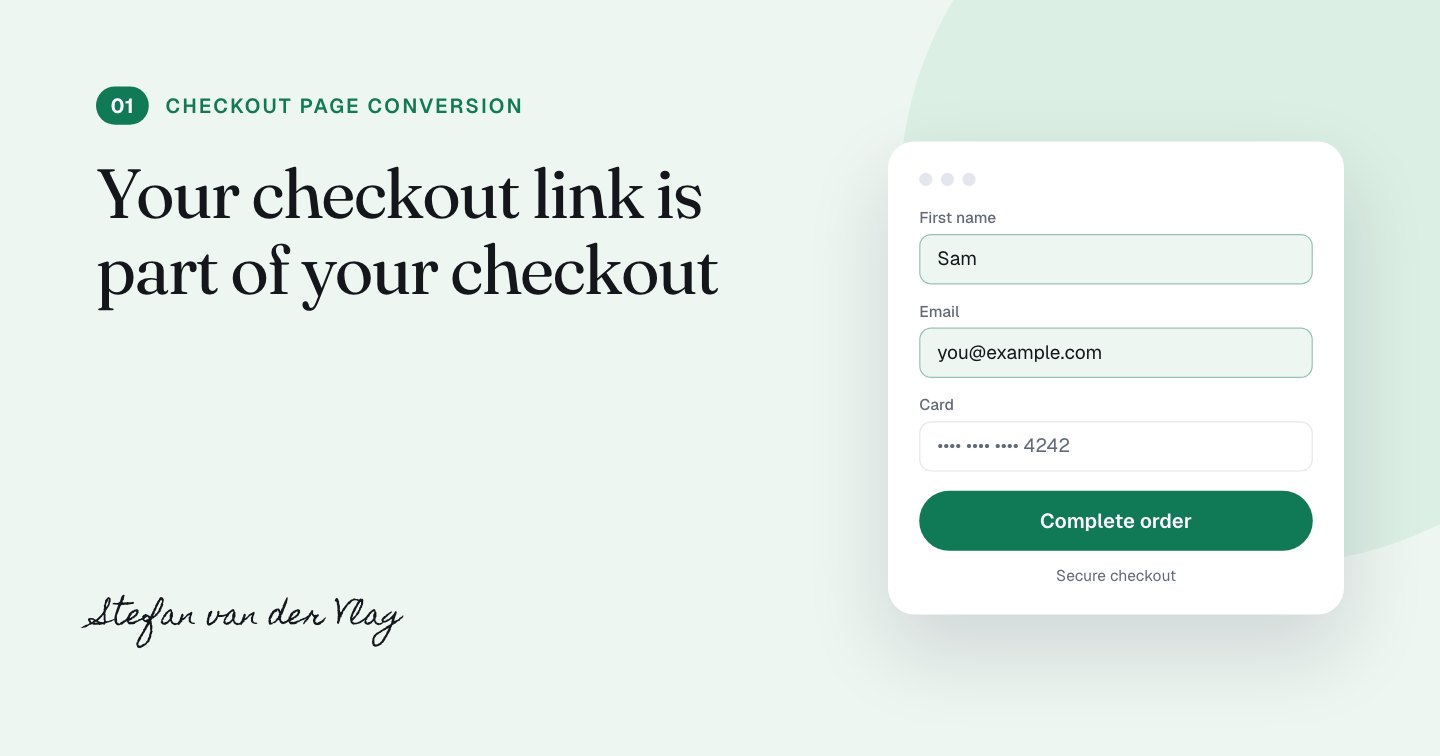
A prefilled checkout link is an email link that carries the buyer's name, email and offer in the URL, so the form opens already filled in. My Clepher checkout converts 50 to 60% of the people who land on it, and this link is 1 of the tactics behind that number.
I'm saying the conversion rate up front because it frames this whole series: this is a page that works, and I audited it to find out why and what to test next. The first thing I looked at wasn't the page. It was the link that leads to it.
What is a prefilled checkout link?
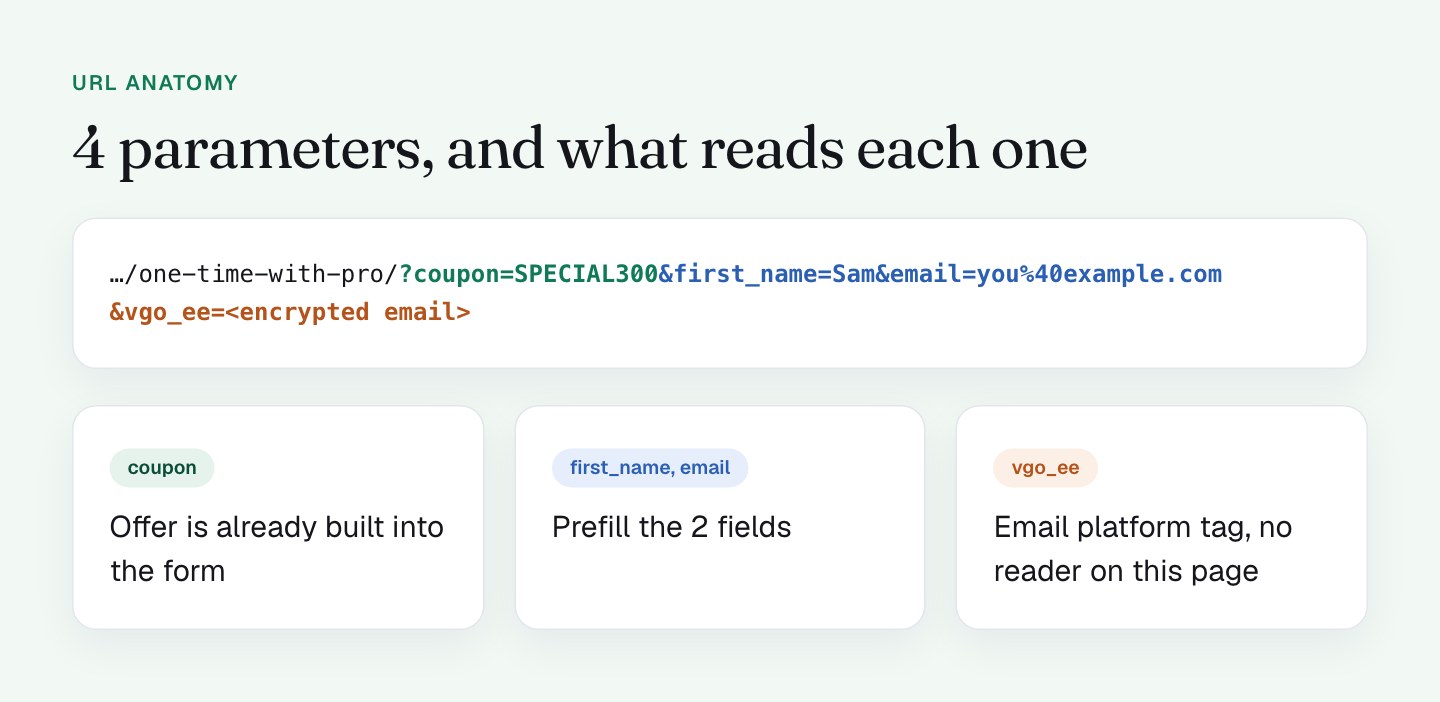
The link in my emails carries the buyer's name and email address, plus a coupon and an email platform tracking parameter. It looks like this:
https://clepher.com/secure/checkout/one-time-with-pro/
  ?coupon=SPECIAL300
  &first_name=Sam
  &email=you%40example.com
  &vgo_ee=<encrypted email>
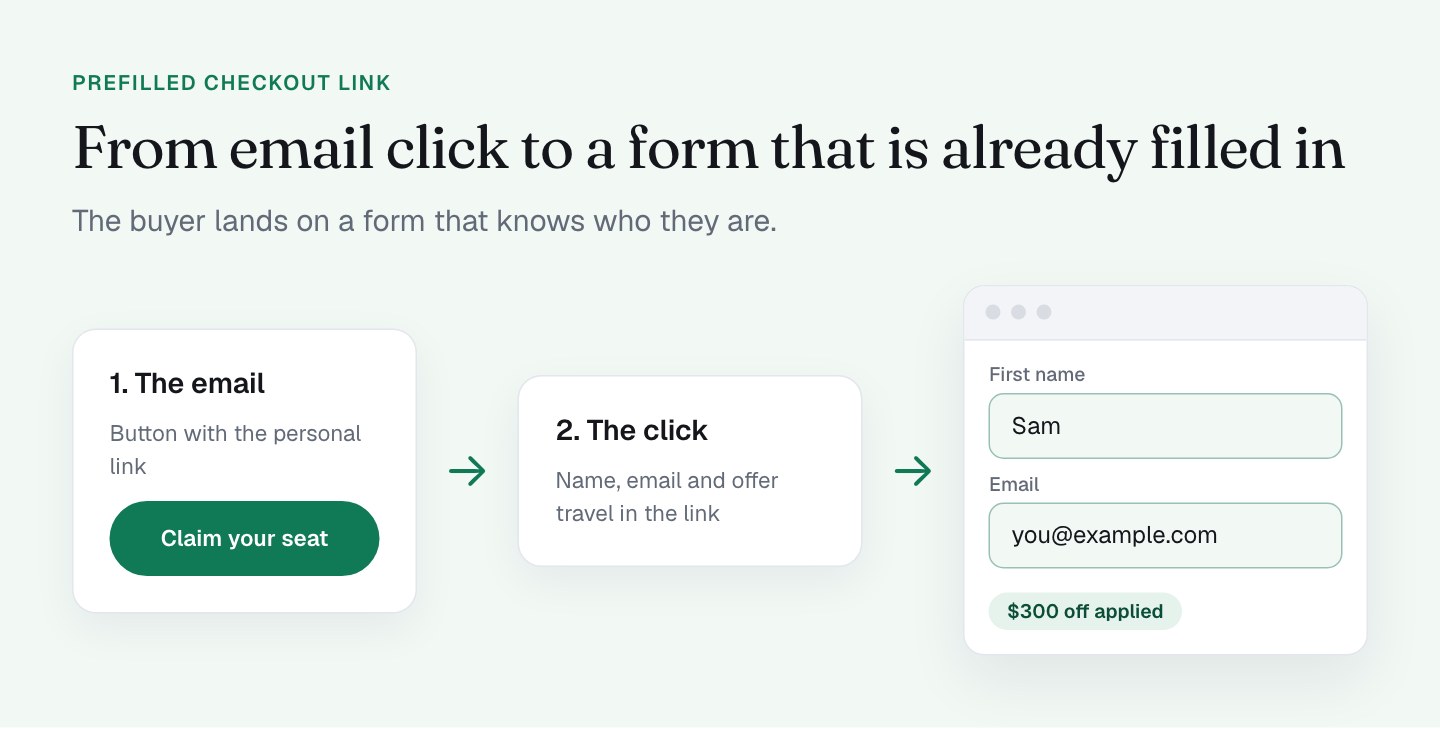
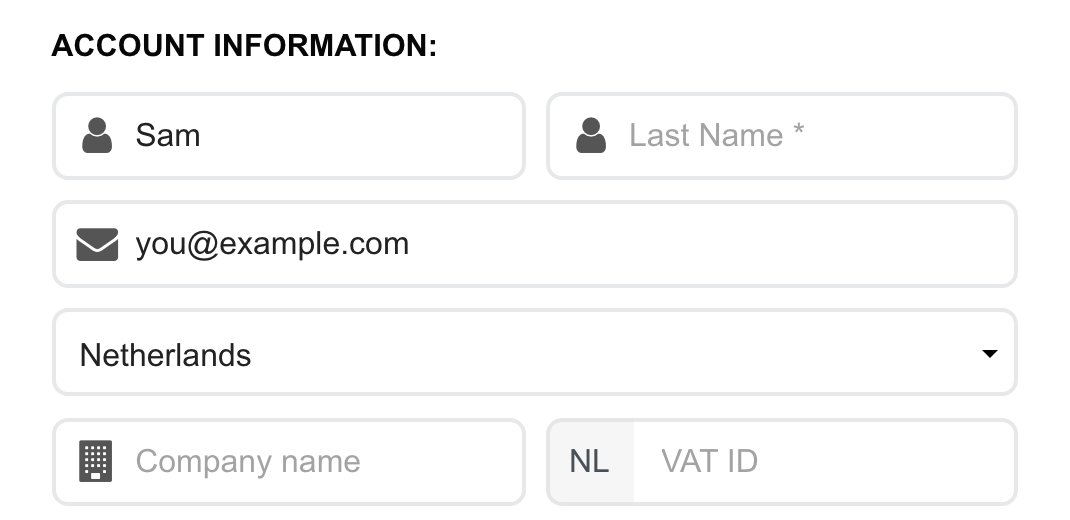
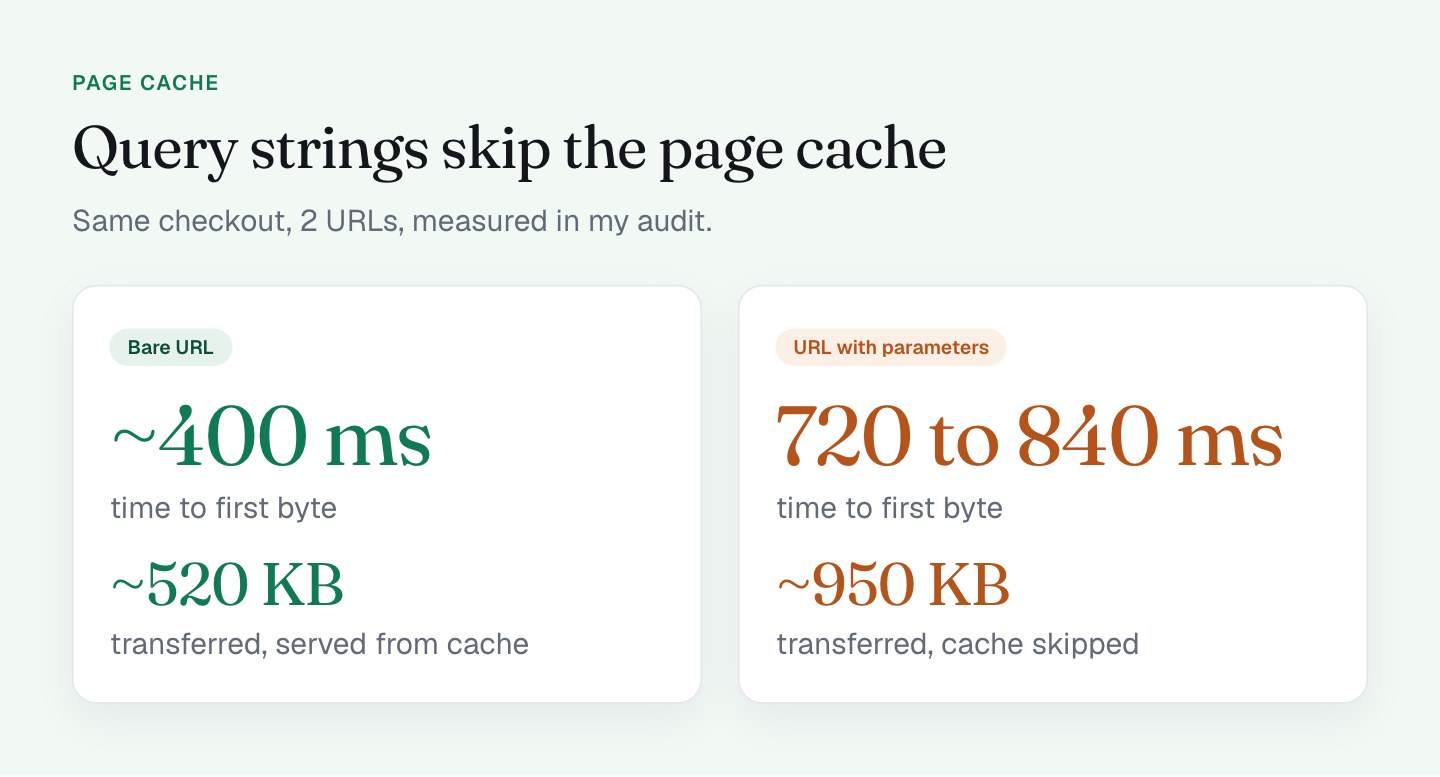
Someone who clicks it lands on a form where First Name and Email are already filled in. They didn't type anything, and the form is already working for them.
I think this is among the strongest low-effort moves you can make. Every field you fill in for the buyer is a field they can't abandon on. It also tells them the offer is meant for them: the page knows who they are, so they're in the right place.
What I do on my checkout
Here is how the pieces work, based on testing the link 3 ways: the full link, the bare URL and the coupon-only link.
- Prefill. A script reads
first_nameandemailwhen the page loads and rebuilds the address of the embedded PayKickstart form so those 2 fields arrive filled. It worked on desktop, tablet and an Android profile. - The discount is built in. The coupon is hard-coded into the form's address (
cc=SPECIAL300). The bare URL shows the same $300 discount and the same "Coupon Code SPECIAL300 Applied" message. That means nobody can land on the page and miss the offer, whatever link they arrive from. - The email-platform parameter.
vgo_eeis what ActiveCampaign adds when its site tracking is on. I'll cover it in the next part.
The result is that a click from my email goes straight to a ready form with the deal already applied. There is almost nothing for the buyer to do except pay. This is what lands on screen after the click.
What I'll do differently
The audit also showed me where this tactic can get even better. These are the upgrades I'm making.
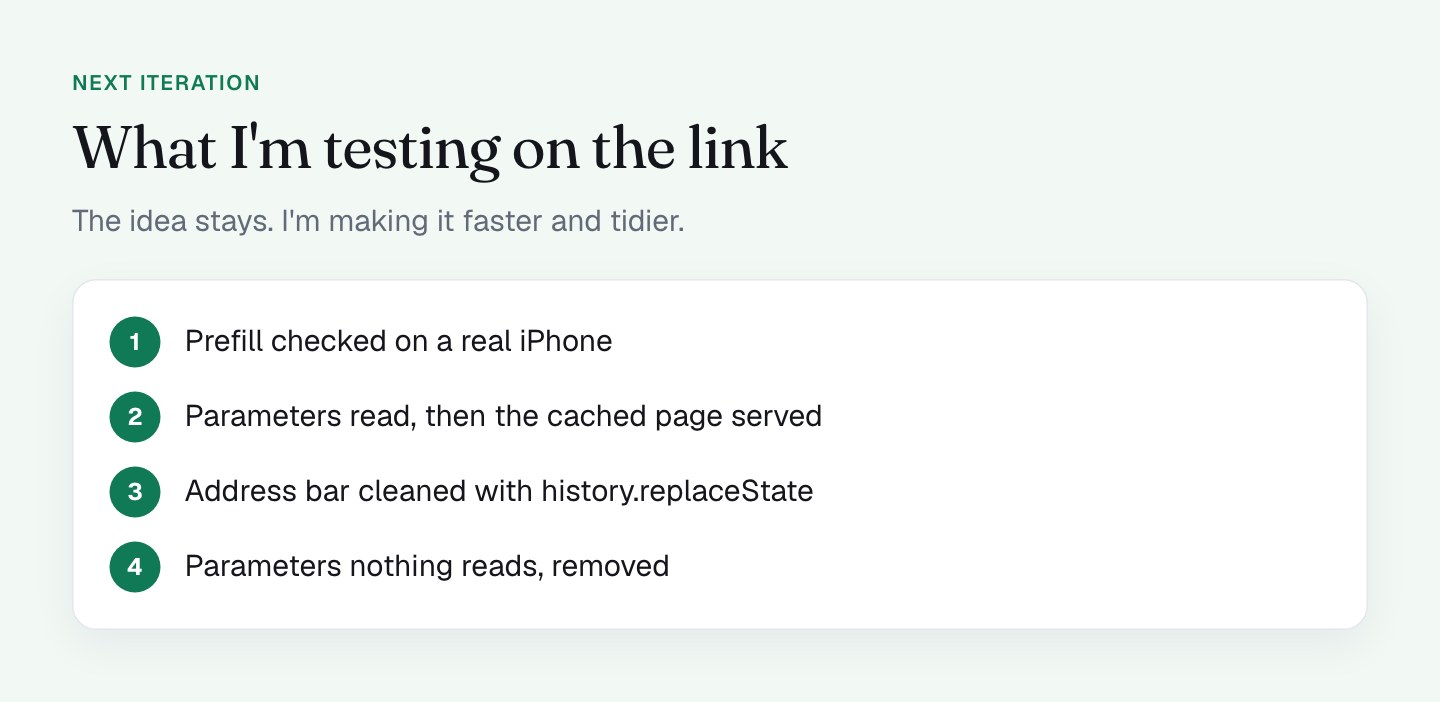
1. Test prefill on a real iPhone. In an iPhone emulation in Chromium, the prefill did not apply in 3 of 3 runs. The script attaches with window.onload, so if the load event has already fired, the form never gets rebuilt. That was an emulator, not real Safari, so I need to verify on a phone. If it's real, moving the logic to DOMContentLoaded or setting the form address on the server gives the iPhone buyers the same ready form the others get.
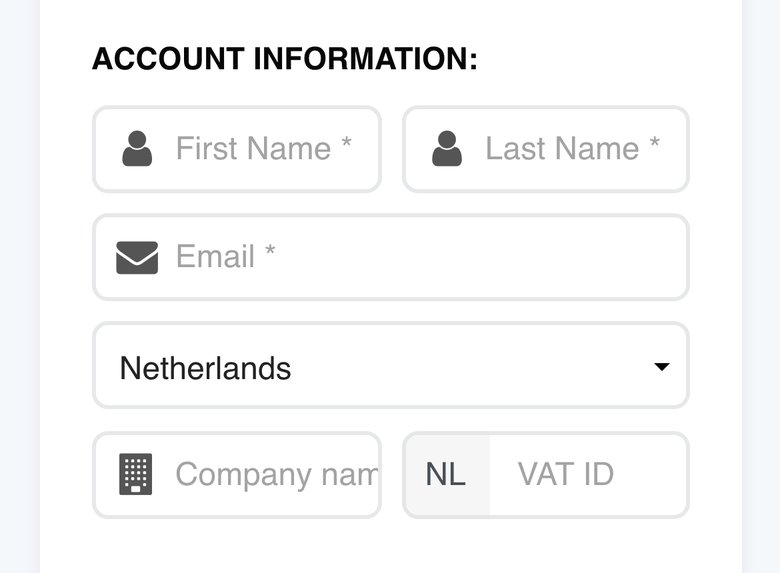
2. Serve the link from the page cache. My page runs behind a WordPress page cache. The bare URL is served from it, with a time to first byte of about 400 ms and about 520 KB transferred. A URL with a query string skips the cache: about 720 to 840 ms and about 950 KB. I want the buyers who click from an email to get the fast version too, so I'm testing a setup that reads the parameters and then serves the cached page.
3. Clean the address bar after reading. I'm adding history.replaceState so the parameters are removed once the form has them. The general rule I follow: never put an email address in a URL that ad pixels and analytics tags can read. Those tags record the page location, so anything in the address bar can end up in a request to a third party. Consent settings change what fires, not what the URL contains (I cover consent in tracking, consent and SEO on a checkout). The simple habit is to open your network tab, load your link, and look at what your pixels receive.
4. Drop the parameters that do no work. coupon is not read by anything because the coupon is built into the form, and vgo_ee is not read either. A link should carry only what the page uses. Shorter links are also easier to keep clean.
None of this changes the idea. The link-as-first-step tactic stays. I'm making it faster and tidier.
How much should a checkout link carry?
If your checkout link is a bare URL, you're making every buyer type their own name and email. If your link is a long tangle of parameters, you may be paying for it in load time. The sweet spot is a link that carries just enough: the buyer's details, the offer, and nothing else.
I'm not claiming a lift from any single change here. I don't have a split test for it. What I have is a page that converts at 50 to 60%, a clear picture of the parts that help, and a short list of tests to run.
What to check on your own checkout
- Open your email link and your bare checkout URL side by side. Is the discount identical? If so, you know the offer is built in.
- List every parameter in your link and write down what reads it. Keep what is read.
- Open the link on a real iPhone and a real Android phone. Is the form prefilled?
- Compare time to first byte and page weight with and without the query string.
- In the network tab, search the requests to ad and analytics vendors for your buyer's email address.
- Look at your address bar after the page loads. Does it still contain personal data?
The next part looks at what your email platform adds to the link without being asked: what your email platform adds to your checkout links.
FAQ
What is a prefilled checkout link?
A prefilled checkout link is a URL that carries data such as the buyer's name and email address as parameters, so the checkout form opens with those fields already filled in. It is usually sent by email to people who are already on your list. The buyer has less to type and the offer feels personal.
Do URL parameters slow down a checkout page?
They can. A page cache often treats a URL with a query string as a different page and skips the cache. On my checkout, time to first byte was about 400 ms on the bare URL and 720 to 840 ms with parameters.
Is it safe to put an email address in a checkout URL?
Treat the address bar as readable by every script on the page. Ad pixels and analytics tags record the page location, so my general rule is to never put an email in a URL those tags can read and to check what your pixels receive. Removing the parameters after reading them with history.replaceState keeps the address bar clean.
Why might checkout prefill fail on an iPhone?
If the script that fills the form waits for window.onload and the load event has already fired, the form never gets updated. In my emulated iPhone test the prefill failed in 3 of 3 runs. Verify on a real phone, and consider DOMContentLoaded or a server-side setup instead.