Order bumps that buyers thank you for
An order bump is a 1-click add-on offered on the checkout page, usually a checkbox that adds a related product to the order before the buyer pays. It works because the buyer is already in buying mode, so adding value takes 1 tick and no second page.
My Clepher checkout converts at 50 to 60% of the people who reach it, and the bump is part of why the page works the way it does. Let me show you what's in it.
Why does an order bump work?
A bump works because of timing. The buyer is in buying mode, the card is out and the add-on is 1 tick away. There's no second page, no second form and no second decision about paying.
It also works because it raises the value of an order you were already going to get. You don't need more traffic for that. You need a good offer at the right moment, and a bump is exactly that.
What I do on my checkout
Right below the payment fields there's a box headed "Yes! Add The Pro Bonus to My Account Now!" Here's what makes it good.
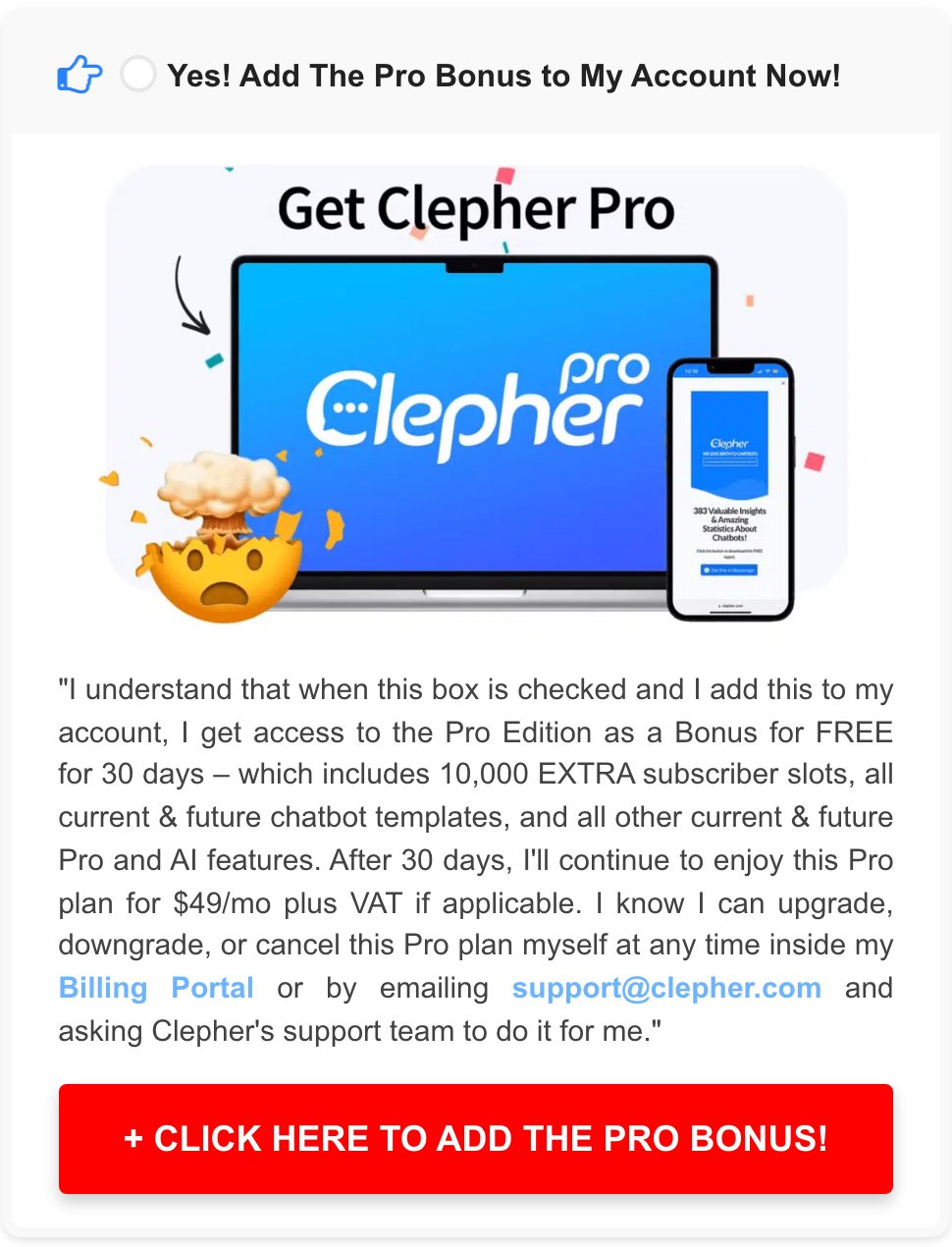
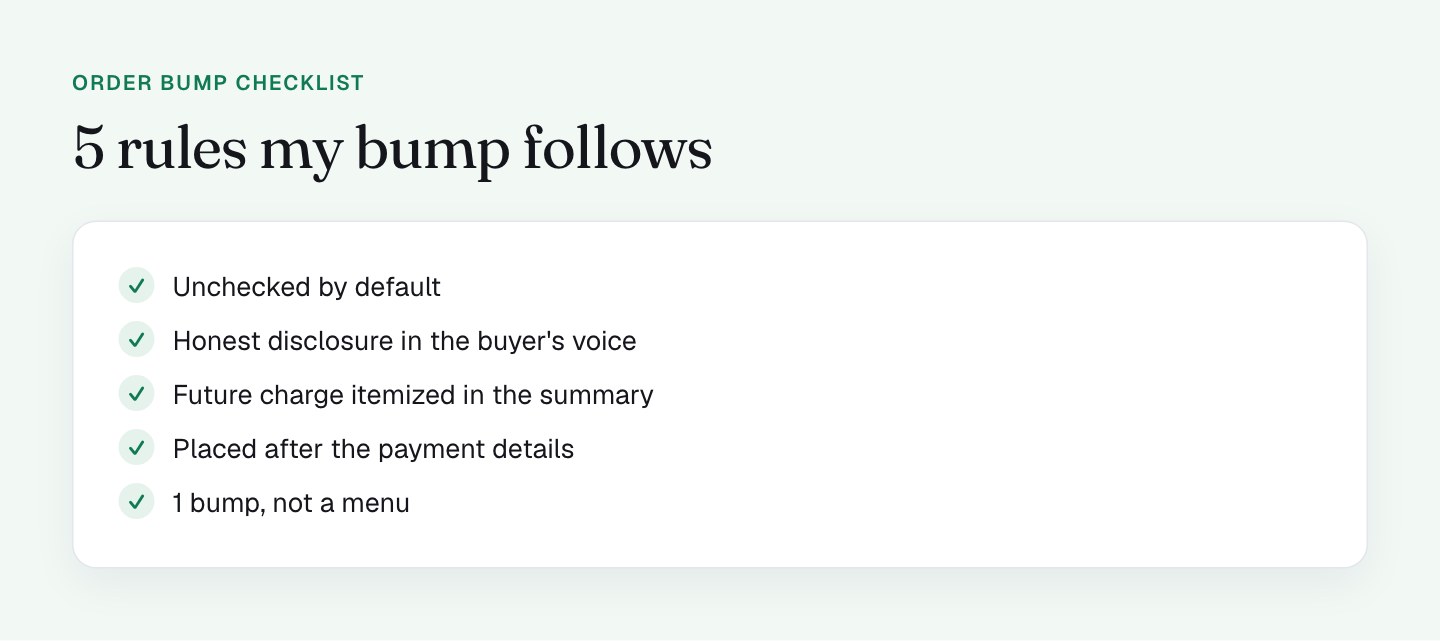
It's the buyer's choice. The checkbox is unchecked by default. The buyer opts in on purpose, which keeps refunds and chargebacks low and keeps the goodwill that a bump can easily burn.
The disclosure is honest and in the buyer's voice. The copy is a statement in quotes: after 30 days "I'll continue to enjoy this Pro plan for $49/mo plus VAT," and I can cancel in my Billing Portal or by emailing support. It reads like something the buyer is agreeing to, not fine print.
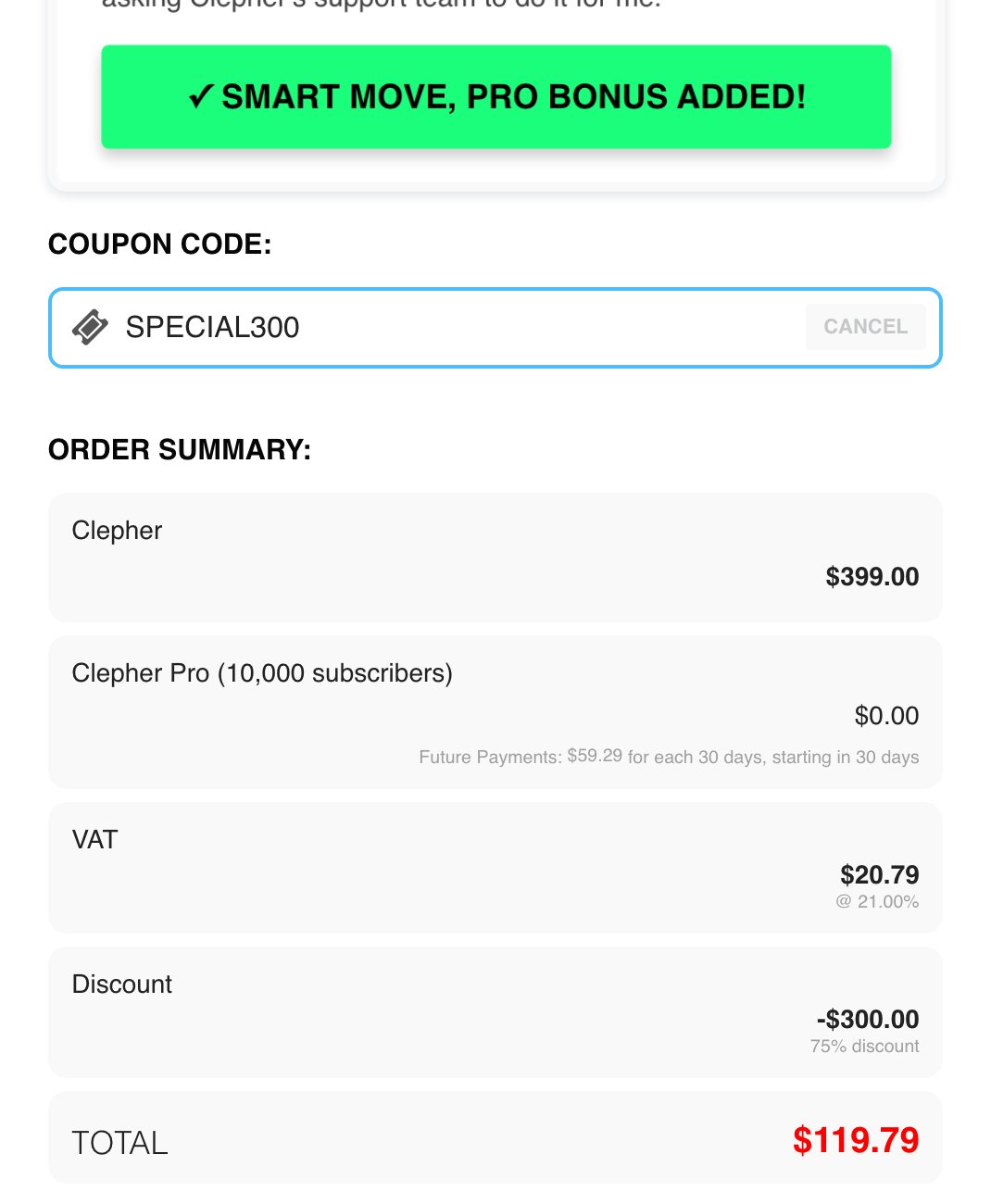
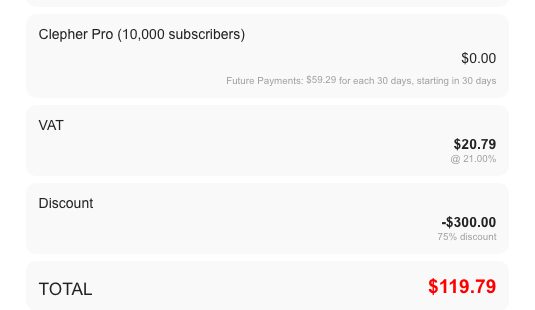
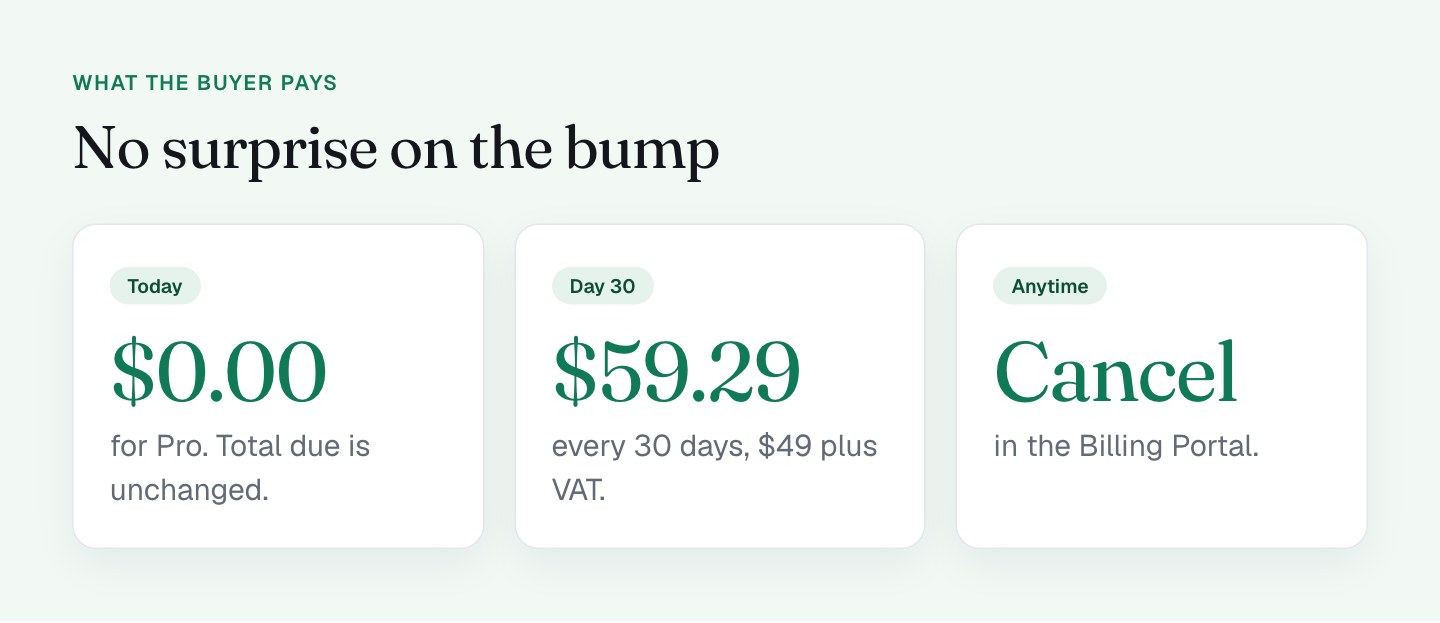
The money is itemized. When the box is ticked, the order summary gains a line: "Clepher Pro (10,000 subscribers) $0.00," with small text underneath: "Future Payments: $59.29 for each 30 days, starting in 30 days." The total due today doesn't change, and the future charge sits where people look right before they pay. ($59.29 is $49 plus 21% VAT for a Netherlands buyer.)
The button gives feedback. The red "+ CLICK HERE TO ADD THE PRO BONUS!" turns green and reads "SMART MOVE, PRO BONUS ADDED!" That small confirmation makes the choice feel good.
The placement is right. The bump comes after the payment details, so it reads as an extra on an order the buyer has already committed to.
How would I pick an order bump?
The best bump is the obvious next thing a buyer of the main product wants. It should be easy to understand in 1 sentence, and it shouldn't need a second explanation page. If the buyer has to think about whether they need it, it's an upsell, and an upsell belongs after the sale.
I also like a bump whose cost is clear at the moment of choosing. A $0 line today with the future payment right underneath is easy to read. Nobody has to do math or scroll to find the catch.
What I'll do differently
The bump works, so these are upgrades, and I'll measure each 1.
I'm aligning the copy around the bump with its default. The right column and the footer talk about Pro as part of the bundle ("Clepher + Pro Bonus"), while the checkbox is optional. Next I'm testing "Add a 30-day trial of Pro" wording in those places, so a buyer who reads the page and a buyer who looks at the box get the same message.
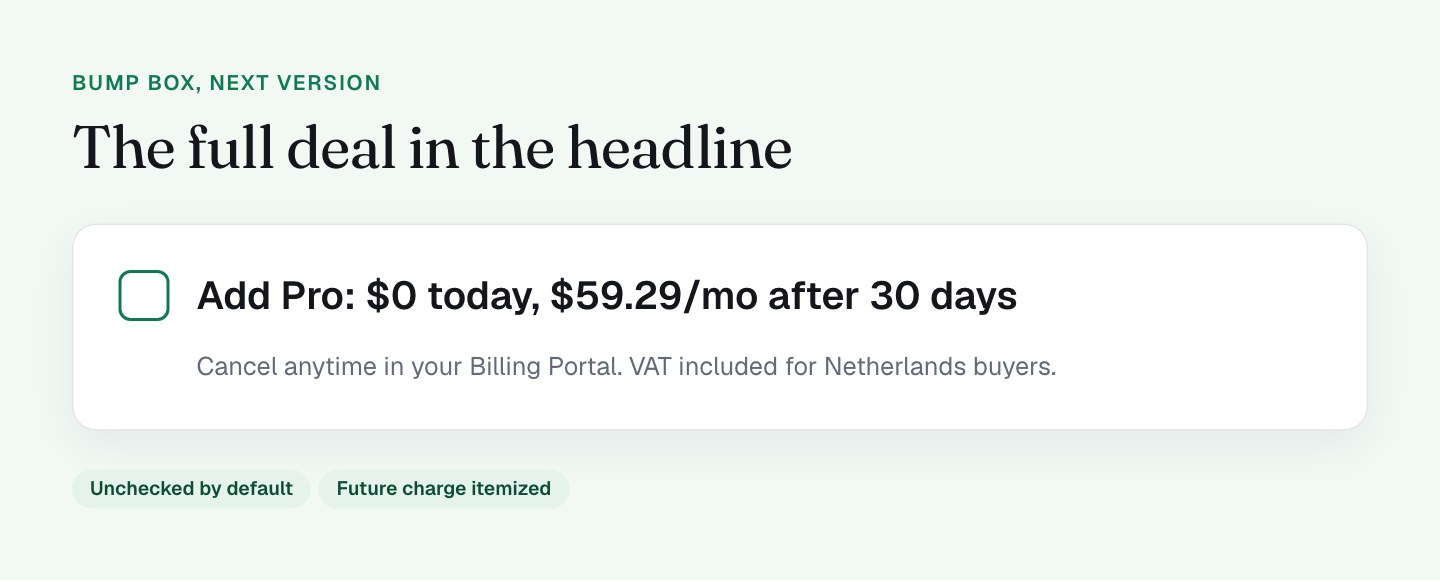
I'm moving the price into the headline of the box. Today the number appears in the disclosure paragraph. I'd like the headline to say "Add Pro: $0 today, $59.29/mo after 30 days," so the full deal is visible at a glance.
I'm adding a 1-line note on the guarantee. The base product has a 30-day guarantee. I want the bump box to say how that applies to Pro. I wrote about guarantee wording in the post on guarantees and trust badges.
I'm testing a quieter button. The big red "ADD" button sits in the same form as the real pay button. Next I'm comparing it with a checkbox-only version and watching the take rate.
I'm keeping it to 1 bump. Adding more would turn the page into a menu. Anything else belongs after the sale.
What to check on your own checkout
- Is your bump unchecked by default? Look at refunds and chargebacks for bump buyers separately if it isn't.
- Is the future charge, if any, itemized in the order summary with a date?
- Does the disclosure say what happens after the trial and how to cancel?
- Does your sales copy describe the bump the same way the checkbox does?
- Is the price visible in the headline of the box?
- Do you have more than 1 bump? Keep the strongest.
A bump also adds 1 more number to the page, so it pairs with my post on showing 1 price and 1 anchor.
FAQ
What is an order bump?
An order bump is a small add-on offered with a checkbox on the checkout page, before the buyer pays. Ticking it adds the extra product to the same order, with no second form or page.
Should an order bump be checked by default?
I'd say no. An order bump that is unchecked by default means the buyer opted in on purpose, which keeps refunds, chargebacks and bad reviews low. My own bump is unchecked and I plan to keep it that way.
What makes a good order bump offer?
A good order bump is the obvious next thing a buyer of the main product wants, explained in 1 sentence. Its price, and any future charge, should be clear at the moment of choosing.
How many order bumps should a checkout have?
A checkout should have 1 order bump. More than that turns the checkout into a menu, and buyers start scanning for traps. Anything else you want to offer belongs on the upsell step after the sale.